Step 1. Write the Dockerfile
~/Projects/myPage/helloworld/Dockerfile
# Image pre-built from the official Rust image
# base on the Debian Bullseye slim image
FROM rust:1.83.0-slim-bullseye AS base

# Copy the source code and the Cargo.toml file
COPY ./Cargo.toml ./Cargo.toml
COPY ./src ./src
RUN cargo build --release

# Image to run the final binary
FROM debian:bullseye-slim

# It's usual to set the working directory to /app
WORKDIR /app

# Only copy the final binary from the build stage
# The binary is located at /app/target/release/helloworld,
# since we are using the release profile.
COPY --from=base /target/release/helloworld /app/helloworld

# Finally, we run the binary
CMD ["./helloworld"]
Step 2 - 3. Build and run a Docker Image
- Run
docker buildx build -t test-hello:v0.1 .to start building. - Use domestic images to make the
pullprocess faster. - Also, proxy is needed to connect with
docker.io. - After the
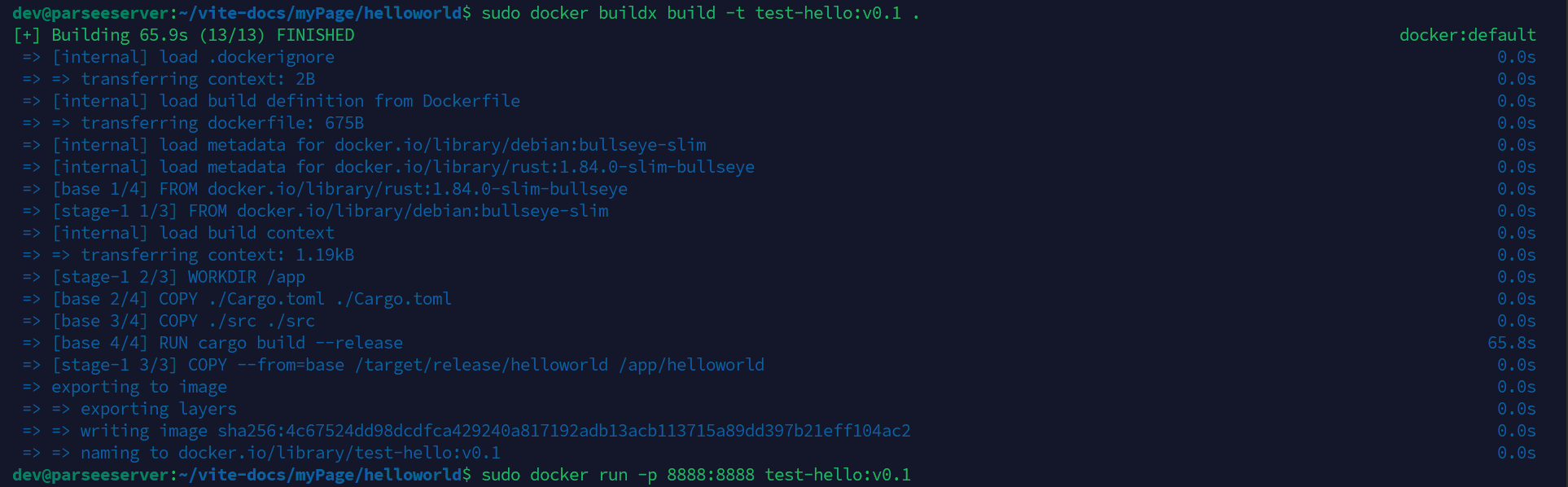
buildprocess, rundocker run -p 8888:8888 test-hello:v0.1to run the app.
The results are as follows:
Please check whether you have
buildx, or you’ll waste a little time struggling why-ttag is not supported

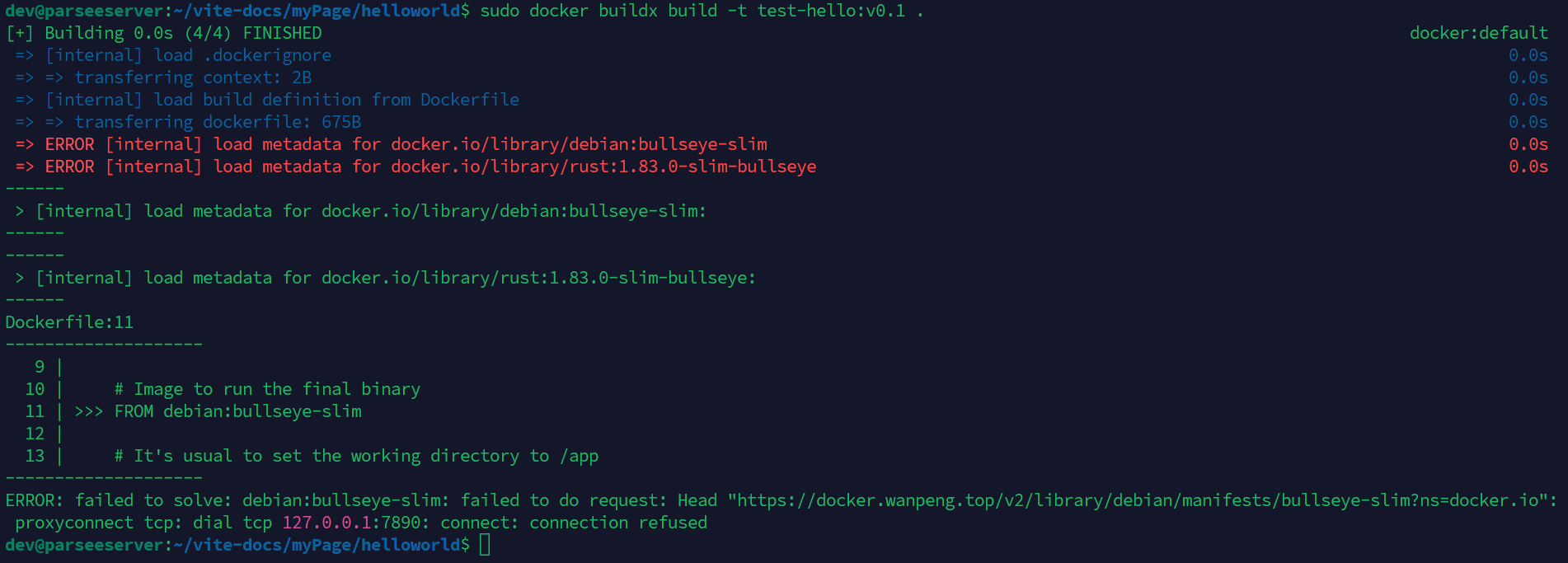
I tried many times to build my app, but only found it not working, throwing
connection refusederror. This was caused by proxy.
After I changed my proxy, a new problem came along to me –failed size validation. I took a long time to find out the reason, but failed. The screenshot below is the output at that time.